Have Questions? Let’s Talk!
No. Your POS shouldn’t sit on the same network as your guest Wi-Fi, your security cameras or the office PC in the back. When everything shares one network, a guest’s infected phone can reach the device that takes card payments, and a camera uploading footage can slow down orders in the middle of a rush. Splitting the network into separate zones fixes both problems. That’s called network segmentation, and for a restaurant, bar or retail store it’s one of the simplest ways to protect payments and keep service moving.
What network segmentation means for a restaurant or store
Think about how your building already works. Guests sit in the dining room, staff work the line, and the office door stays locked. Nobody wanders from table six into the cash office.
Segmentation does the same thing for your network. Instead of one open network where every device can see every other device, you split it into zones, and each zone only reaches what it needs:
Most restaurants and stores do this with VLANs, which are virtual walls inside the router and switches you already have. You don’t need separate hardware for each zone.
Why guest Wi-Fi and your POS shouldn’t share a network
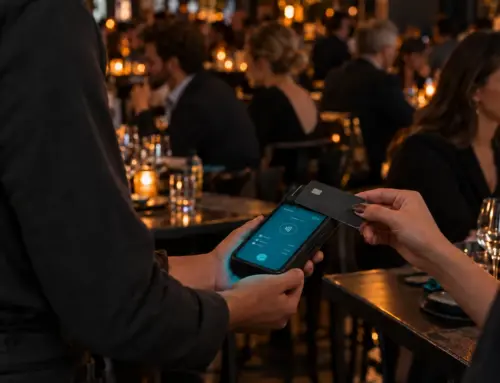
Guest Wi-Fi is the one part of your network you can’t control. Anyone can connect, on any device, with whatever that device picked up last week. On a flat network, that device sits right next to the terminals your customers tap their cards on.
It isn’t only guests. A few ways a flat network gets into trouble:
With segmentation in place, each of those problems stays in its own zone. The guest phone can reach the internet and nothing else. The office PC can’t touch the terminals. The problem is contained instead of shared.
Segmentation and PCI compliance
If you take cards, you’re responsible for PCI compliance. PCI covers every system that handles card data, plus anything that can connect to those systems.
On a flat network, that’s everything: the guest Wi-Fi, the cameras, the office PC and the music system. Every one of them is part of your PCI scope, and every one of them has to meet the standard.
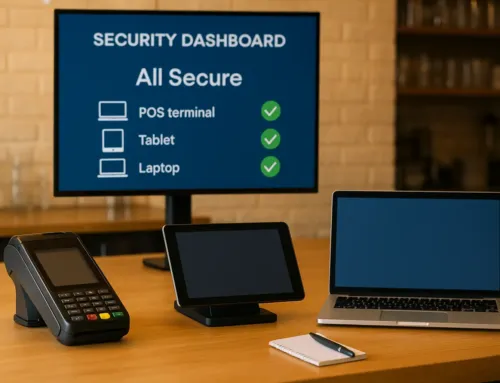
When your POS lives in its own zone, your PCI scope shrinks to that zone. PCI doesn’t strictly require segmentation, but without it you’re protecting your entire network to the standard your card terminals need, which is a lot harder to do and a lot harder to prove.
Can you prioritize POS and order traffic over guest Wi-Fi?
Yes. Security is only half of what segmentation does. The other half is keeping orders moving when the network gets busy.
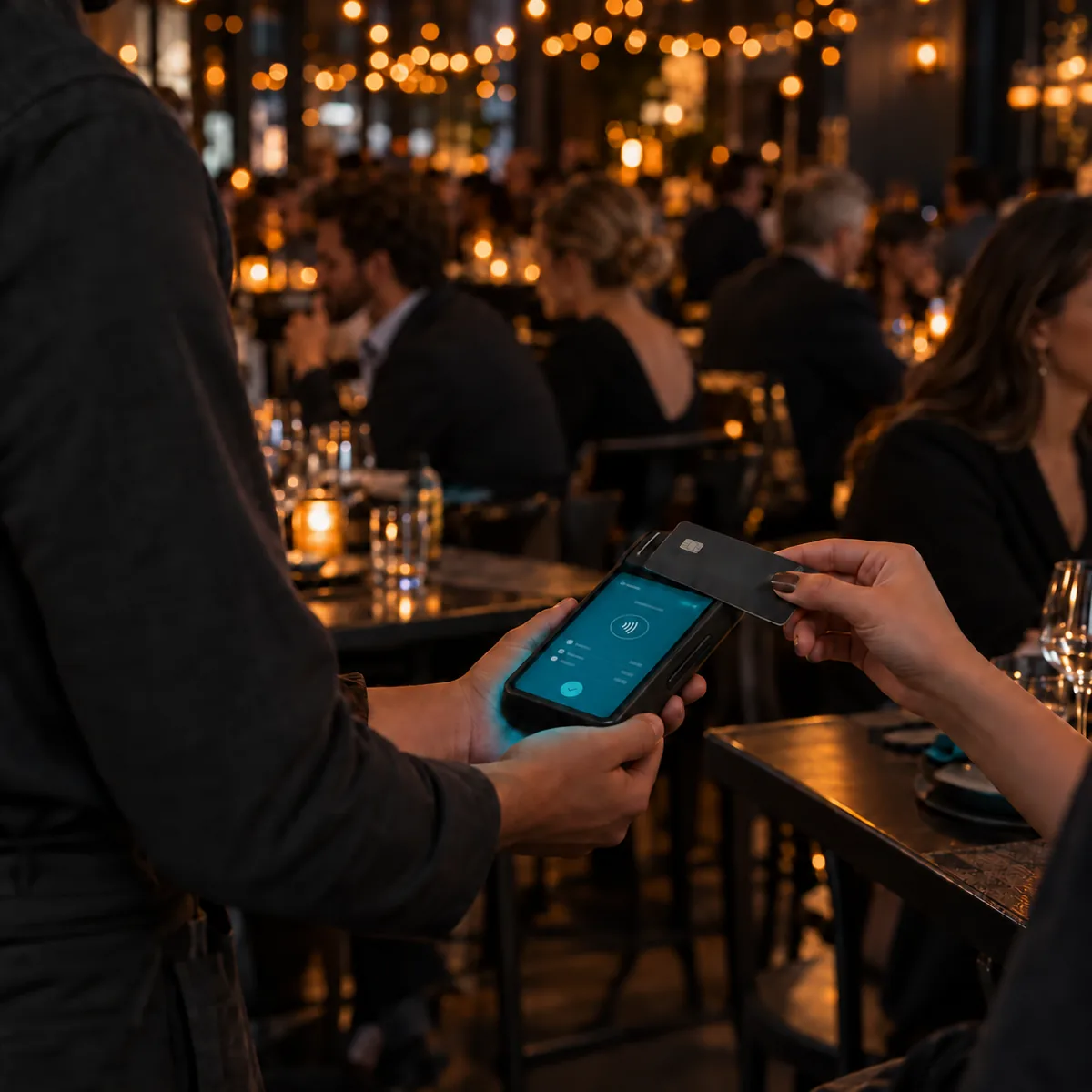
On a Friday night, guests are streaming video, cameras are uploading footage and online orders are landing all at once. On one shared network, all of that competes for the same bandwidth, and your POS waits in line with everything else. That’s when tickets stall, cards take forever to approve and the kitchen printer goes quiet.
Once your POS has its own zone, its traffic can go first. If you take online orders, they ride in the same zone, so orders coming in from your website or ordering apps get the same priority as the terminals at the counter. Guest Wi-Fi gets whatever’s left, and a slow video stream at table twelve never stops a ticket from printing.
Signs your network isn’t segmented
You can check a few of these yourself:
If two or more of those sound familiar, your POS is probably sharing a network with everything else.
How SORA sets it up
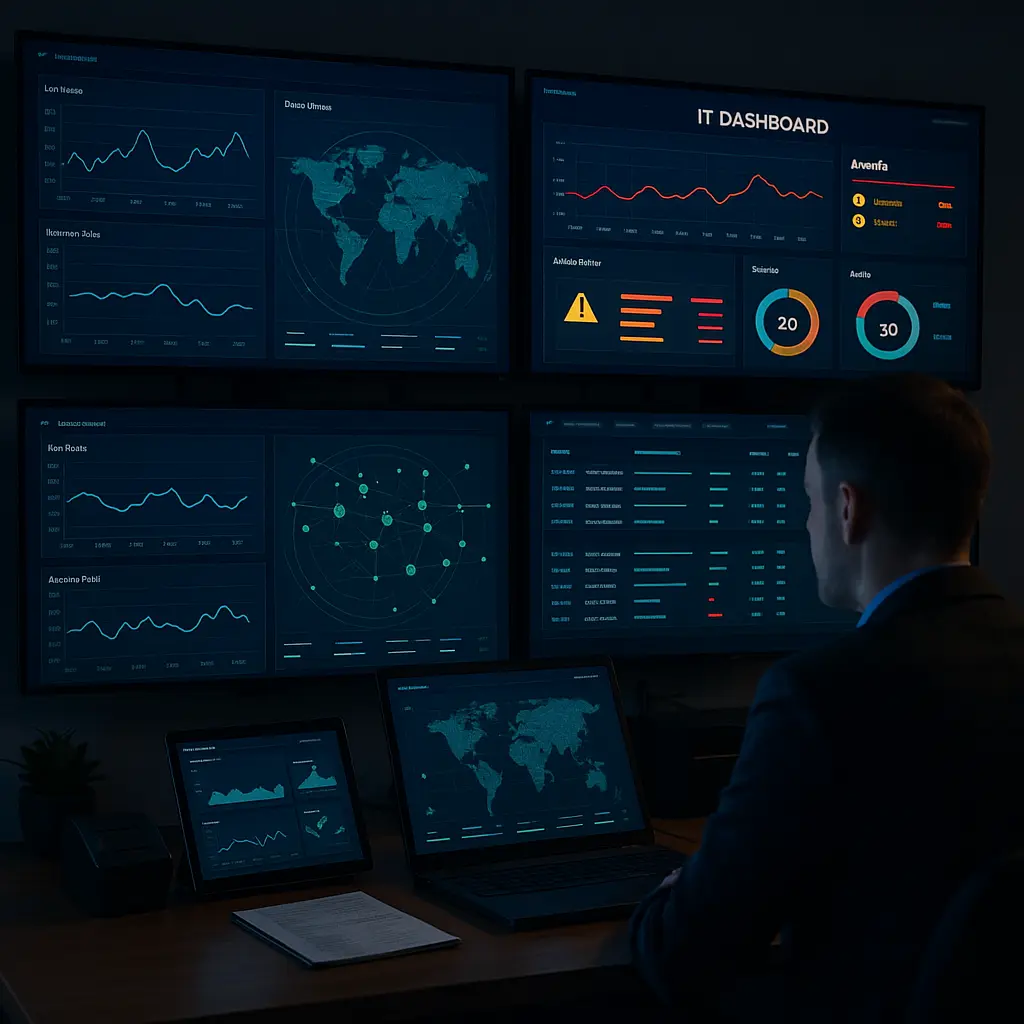
Every network we manage through the SERVD I.T. program is segmented from day one. We set up and manage your router, firewall, switches and access points. We keep your POS and payment devices in their own zone, along with online ordering if you offer it, and that zone’s traffic always goes first. We give guests a separate Wi-Fi network that can’t reach anything it shouldn’t. Our security rules are PCI compliant and pen tested every year, and we monitor the network around the clock, so problems get caught before your staff notices.
Because we support POS systems every day, we build the network around how your restaurant or store actually runs: the terminals, the kitchen printers, the handhelds on the patio and the online orders coming in all at once.
Want your POS on its own network? Talk to us about SERVD I.T. and we’ll look at how your network is set up today.
Let’s Elevate Your Business Together
We’re here to help you navigate the latest trends, adopt innovative solutions, and tackle your biggest challenges. Whether you’re exploring POS systems, managed IT services, or website design, our experts are ready to provide tailored guidance for your business.
Fill out the form below to schedule your free consultation. Let’s create a solution that works for you.